Board Game Incremental Controls & HUD Map
Find codes, rolls, upgrades, capsules, fishing, Rock Island, minigames, and shop without fighting the interface.
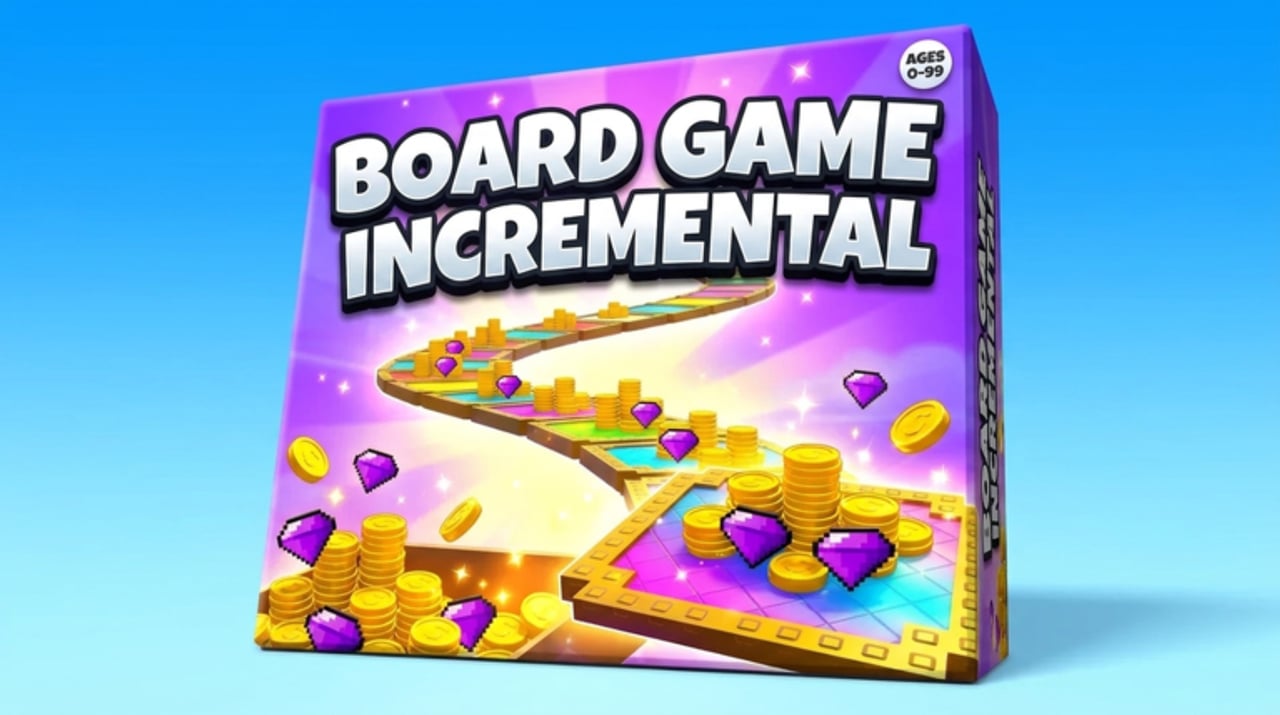
Board Game Incremental rewards players who can find the right button in under two seconds. The game is a free-to-play Roblox incremental by 0 CCU Productions! (released 11 October 2026) that runs on Desktop, Console, Mobile, and Tablet, with servers up to eight players and offline progress between sessions. This guide is a HUD map: where systems live, how platform inputs differ, and which related walkthrough to open once you know what you clicked.
If you have not redeemed anything yet, open the Codes control first—then come back and learn the rest of the board. Live strings sit on the Codes Hub; click-by-click redeem help is on How to Redeem.
HUD map at a glance
Use this mental layout every time you join:
| Area / control | What it does | Open next |
|---|---|---|
| Codes (top-right) | Enter case-sensitive promo strings for Crowns and Capsule Luck | Codes, Crowns |
| Roll / board | Dice rolls that pay tile money | Getting Started |
| Upgrades | Spend money to raise board payouts and unlock gates | Upgrade Priority |
| Capsules / pieces | Open capsules; equip rare pieces | Capsules & Pieces |
| Fishing portal | Cast, bite, reel, sell, upgrade rods | Fishing & Islands |
| Rock Island travel | Timed reward claims after resets | Rock Island |
| Minigames | Tic-Tac-Toe, Connect Four, Battleboard | Minigames |
| Shop | Crown and money purchases, including luck-related options | Crowns |
| Rebirth / ascend UI | Soft-reset and deeper prestige layers | Rebirth & Ascension |
Keep currency readouts (money, Crowns, luck tier cues) visible before you spend. If a menu covers the board, close it before you roll so you do not mis-click a shop buy.
Codes button (top-right)
The Codes control sits in the top-right of the HUD on every supported platform. That placement is easy to miss behind camera pans, board pieces, or a minigame prompt. Rotate the view slightly if the button is occluded, open it once, and redeem active strings such as 1KPLAYERS, 600CCU, and RELEASE exactly as listed. Failed claims belong to troubleshooting on How to Redeem or the verification flow on Expired Codes—not to random chat “generators.”
After a successful claim, glance at Crowns and Capsule Luck before you open the shop. Spending order matters more than mashing Redeem twice.
Roll and board controls
The core loop is roll → land → collect → upgrade. Board controls usually stay near the playfield so you can:
- Trigger the next dice roll.
- Read the tile payout that just landed.
- Jump into upgrades without losing sight of income.
Early sessions should favor upgrades that raise money per roll or reduce dead time. Deep priority lists live on the Tier List and Getting Started. Do not chase every flashy unlock the moment it appears if cheaper board power still multiplies every stop.
Upgrades menu
Open upgrades when you have a clear bottleneck: throughput, payout size, or an unlock gate (capsules, fishing, islands, modes). Buy, watch income change, then close the menu so the HUD returns to rolls. After rebirth or ascend, the same menu is your rebuild checklist—reopen it immediately instead of wandering into minigames first.
Capsules and pieces
Capsule access is where luck tiers pay off. Redeem Capsule Luck rewards from codes before a large open batch, then review pieces you equip onto the board. Piece quality guidance lives in Capsules & Pieces and Board Pieces. Avoid opening while another modal (shop, codes, island claim) is still resolving.
Fishing portal
The fishing portal takes you into the cast → bite → reel → sell loop. Treat it as a focused mini-HUD: rod equipped, bag space free, sell button reachable. Full loop detail is in Fishing & Islands. If you came from Rock Island with a full claim, sell or bank that value before you lose track of timers.
Rock Island travel
Rock Island is a timed reward destination. The control that matters is travel / teleport plus the claim UI after a reset. Make island checks part of login muscle memory—see the deep Rock Island guide for priority versus fishing and rebirth pairing. Timed claims are presence rewards; they do not replace offline board progress, but they punish players who never open the travel option.
Minigames: Tic-Tac-Toe, Connect Four, Battleboard
Minigame portals are downtime tools. Launch a short match when upgrades are bought and island timers are cooling. Controls are mode-specific (place marks, drop discs, battleboard actions), but the meta-control is exit discipline: finish the match, take the reward, return to the board. Long ladder sessions steal time from capsules and prestige. Details: Minigames.
Shop and Crowns
The shop is where Crowns (and sometimes money) convert into high-value options. Do not dump day-one Crowns on vanity if Capsule Luck or board power is still cheap—read Crowns. After claiming codes, open the shop once with a shopping list, buy, then close it so you are not tempted into impulse spends every roll.
Platform notes
Desktop
Mouse hover makes the top-right Codes button and shop tooltips easiest to read. Paste codes from clipboard. Use scroll carefully inside upgrade lists so you do not buy the wrong tier.
Console
Highlight HUD elements with the controller. On-screen keyboards make case errors more likely—double-check uppercase before Redeem. Give yourself an extra second after teleports before opening Codes so remote data can sync.
Mobile
Thumbs cover corners; zoom or rotate if Codes is hard to tap. Disable aggressive autocorrect when typing strings, or paste from a notes app. Short sessions pair well with offline progress—claim island and codes first when you reopen.
Tablet
Larger touch targets help, but split attention is common. Keep the board readable in landscape when comparing upgrade costs. Same case rules as Mobile for codes.
All platforms share the same systems: dice board, upgrades, capsules/pieces, fishing, Rock Island, minigames, rebirth/ascend, and Crowns. Layout density changes; the checklist does not.
First-minute control checklist
- Confirm money / Crowns / luck readouts are visible.
- Open Codes (top-right) and redeem actives from Codes.
- Roll once to confirm board input feels responsive.
- Open upgrades and buy one efficient income step.
- Note portals for fishing, Rock Island, and minigames so you are not lost later.
- Peek at the shop only after you know your Crown plan.
- Before logout, leave upgrades bought so offline progress works in your favor.
Related guides
- Getting Started — first-hour order
- Offline Progress — what continues while you are away
- Tips & Tricks — habits that use this HUD map
- Tools Hub — daily and offline checklists
- Guides Hub — full tutorial index
Learn the map once and every later guide gets shorter: you already know where Crowns, luck, island claims, and soft resets live on screen.
Frequently Asked Questions
Quick answers to the most common questions.
Where is the Codes button in Board Game Incremental?
It sits in the top-right of the HUD on Desktop, Console, Mobile, and Tablet. Open it, enter the code exactly, then redeem.
What should I click first after joining?
Open Codes and redeem active rewards, then roll and buy an efficient board upgrade before diving into side portals.
Does the HUD change between Mobile and Desktop?
Layout density and input methods change, but the same systems exist: codes, roll, upgrades, capsules, fishing, Rock Island, minigames, and shop.
Where do I go for Rock Island and fishing?
Use the travel or portal controls on the map, then follow the Rock Island and Fishing & Islands guides for timers and the cast loop.
When should I open the shop?
After you know your Crown balance and plan. Prioritize Capsule Luck and board power over impulse buys—see the Crowns guide.